How to make things look good
Accessibility
WebAIM has a great article, Introduction to Web Accessibility, that “should help you understand how people with disabilities use the web, the frustrations they feel when they cannot access the web, and what you can do to make your sites more accessible.”
Visual Design
Canva is the program I use most often because it is easy to use and has a range of features that actually work. It also has a vast library of clip art style images and vectors as well as templates for basic graphic design tasks.
Undraw is one of my favorite resources that offers open-source illustrations for pretty much any idea you can imagine (Notice I’ve included some in this blog post!)
Flaticon is an awesome source for icons and you can personalize them by changing the colors
Icons8 is another good resource for icons
Pixabay has a ton of images that can be freely used, without attribution
Unspash has a ton of images that can be freely used, without attribution
Remixicon open source neutral-style icons
Draw svgs Draw svg shapes
Compress Images allows you to reduce the size of images for use in websites for free and with minimal risk to privacy
Fonts
When I need help with font-adjacent things!
Placeholder Text
Shreksum Generates random Shrek quotes
Colors
Tint & Shade Generator CSS Gradients
My Palletes
Here are a few color pallettes I use for easy access.
Cards with Hover Effect
Accordions!
First accordion content
Second accordion content
Third accordion content
Hex Sticker Wall
Pretty, pretty picture galleries
Using pixture we can take a folder with images as input and generate an image gallery with a few lines of code.
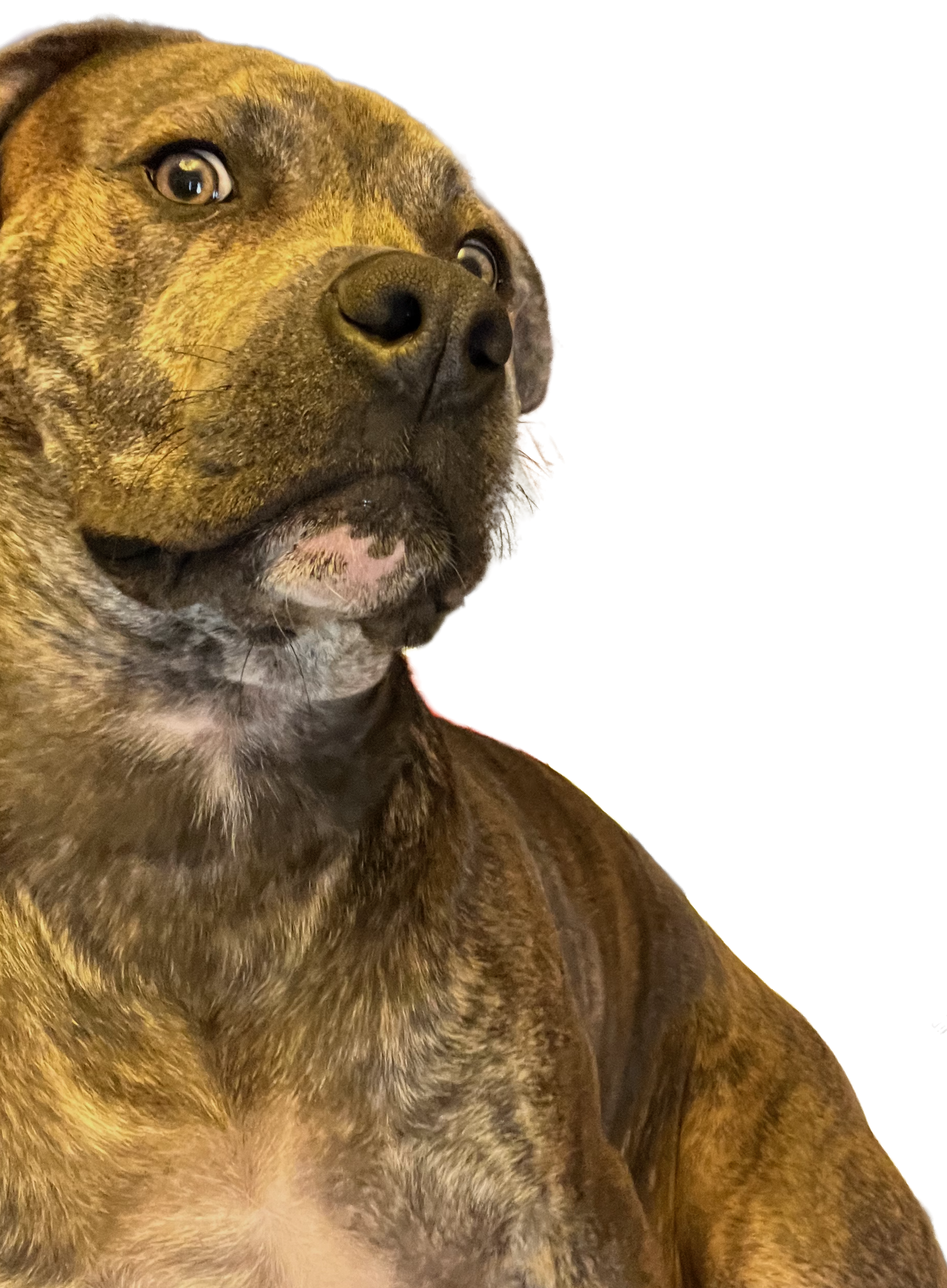
Below is a collection of pictures of my dog Fitz. The purpose of this is to test this feature and see how it can be applied to other contexts. Also, to look at pictures of my dog Fitz who is a very good boy.